


Parquet File Handling with FAMOS
Apache™ Parquet™ is a file format for storing measurement data, widely used in cloud data storage environments. It resides under the umbrella of the Apache Software Foundation. It supports a variety of simple to complex data structures, but many Test & Measurement applications only use the straightforward, simple parts to store time-series data. Usually, that means there is a timestamp column and a number of channel columns, containing the sample values.
In that sense, Parquet files are often used in a similar way as csv files, but are much more compact due to their binary data encoding and support for compression. As with all binary file formats, that means data is usually stored without losing precision.
Written by Daniel Förder, Strategic Product Manager Software and FAMOS expert
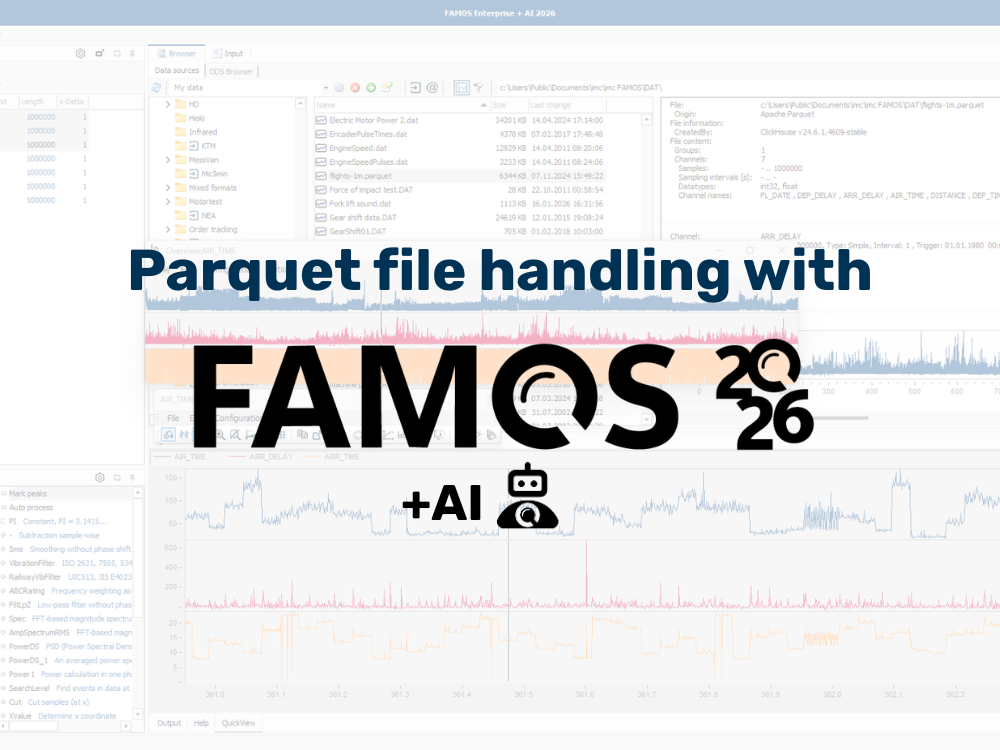
Preview files in less than a second
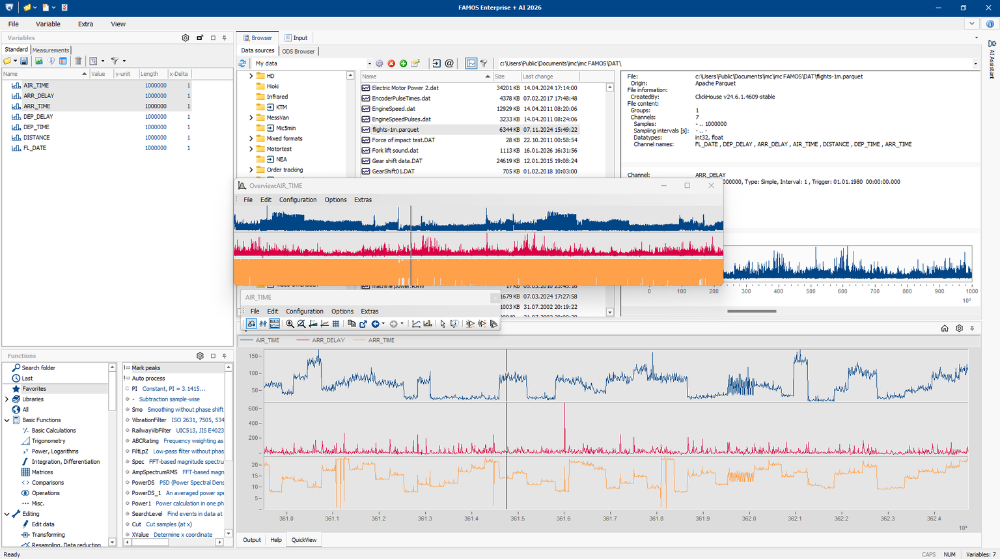
The Microsoft Windows Explorer supports preview handlers to have a look into files without actually starting any software. It is most commonly known for previewing pictures or PDF files. As of version 2026, FAMOS includes such a preview handler for Parquet files.
When activated, you can see the metadata as well as an interactive diagram of one channel at a time. A scrollbar lets you switch between channels, and with the mouse wheel, data can be zoomed. This preview is based on the native imc Curve Window, which makes the plot extremely quick and fast-updating, even for millions of samples.
Importing Parquet files to FAMOS
For reviewing, analyzing or creating reports, Parquet files can be loaded into FAMOS or FAMOS Reader. Importing them by drag & drop is supported, as well as using the standard loading and browsing features, or by writing sequences to process files in an automated way, for example batch processing test runs.
You can specify the name of the timestamp column, as there is no standardization as to how it needs to be embedded in the file. With the time track given, FAMOS tries to build equidistant channels, i.e. channels having a fixed sampling rate. That makes mathematical calculations like correlations, resampling or event isolation a lot easier than when dealing with timestamped samples.
Lots of other options can be specified to account for your company’s standards. For example, FAMOS can identify engineering units added to the channel names as a suffix, so that they are correctly used for plots or during mathematical processing.
Exporting Parquet files with FAMOS
There are two reasons to export Parquet files from FAMOS:
- To store calculation results for putting them next to the raw data
- To convert raw proprietary data acquisition files for cloud upload
The handling is similar in both cases: Like importing, you can export data manually, or using automated sequences, for batch processing. As during import, the default name for the time track column is “Timestamp”. Units can also be embedded as suffix to the channel names, and you can specify how to exactly append them, to fit your other data processing tools.
Conclusion
Similar to csv files, Apache Parquet files are easy to handle, as they are supported by a variety of software tools. As there is not a lot of standardization regarding how engineering units, time tracks or metadata are stored, customizations and manual checks might be necessary to ensure trouble-free operations. As of version 2026, FAMOS helps to check Parquet files within seconds, and to process included data.
Previewing and importing is supported starting with the free-of-charge FAMOS Reader.
Want to learn more about the new FAMOS 2026 +AI features? Visit the FAMOS 2026 +AI page!
