


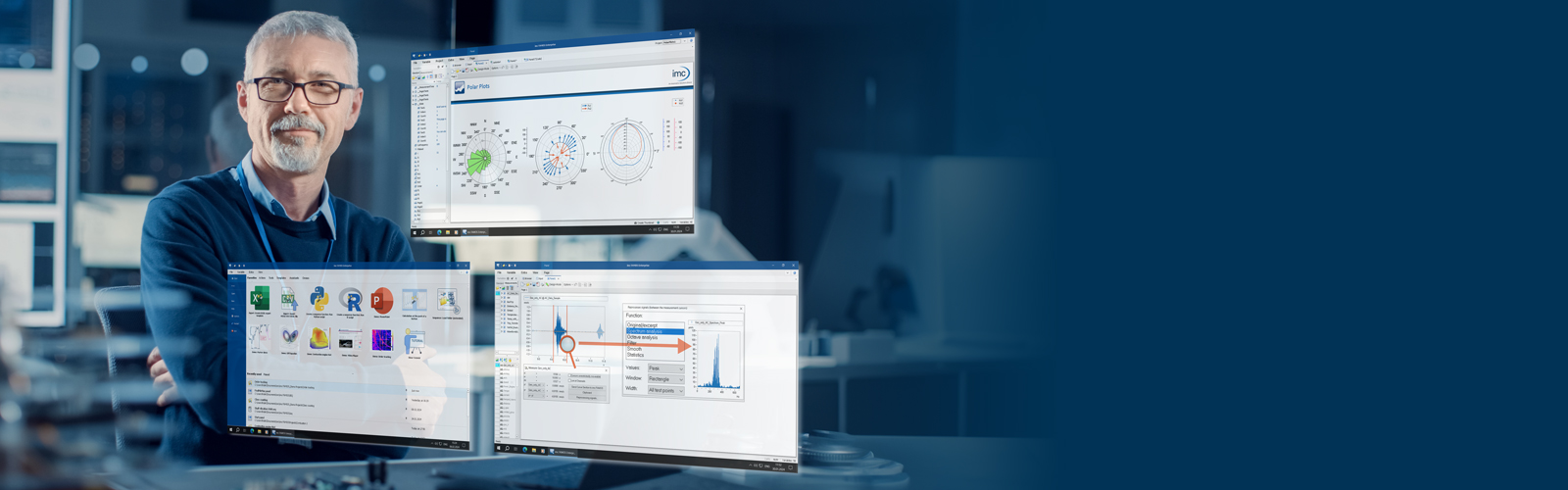
Turn complex test data into clear insights and reports in minutes
Struggling with large or complex measurement datasets? FAMOS helps engineers analyze, visualize, and report test data quickly – without programming. The integrated AI Assistant helps you to automate analysis steps, accelerate workflows, and get to reliable insights faster. From quick checks to processing massive datasets, FAMOS gives you the flexibility to work efficiently.
Simply load your data and immediately see a visual overview of your test result - find data anomalies, identify correlations, compare test runs, locate events, or clean up data. No coding required.
- Smooth zooming and panning in data plots
- Automatic unit and sampling rate conversion
- High performance with thousands of channels and millions of samples
- Powerful AI assistant, calculation assistants and example templates
- Interfaces with databases, Python, PowerPoint, and more
- Free Reader Edition for viewing data and analysis results
Used in real engineering workflows
“FAMOS nicely covers the relevant spectrum of visualization, validation and post-processing of test & measurement data – from quickly evaluating data with very little programming knowledge to fully automatic analysis including the generation of a PowerPoint presentation with several thousand pages.”
Christian Hepperle
Measuring Technology, ZF Group

Built for Engineering Data — Where Other Tools Fall Short
| Excel | Python / MATLAB | FAMOS |
|---|---|---|
| Struggles with large datasets | Requires programming expertise | Handles large datasets efficiently |
| Manual, time-consuming workflows | Setup and maintenance overhead | Integrated analysis, visualization & reporting |
| Limited for engineering data | Risk of inconsistent scripts | Reliable, validated workflows |
You are already using FAMOS, but are on an older version than FAMOS 2026 +AI? Then please check out what is covered in our version history.
Proven in Real Test Environments
Thousands of companies and universities rely on FAMOS
From automotive and aerospace to energy, education and research: Engineering teams worldwide trust FAMOS to make sense of complex measurement data. Whether you’re validating prototypes, analyzing test bench results, or preparing reports for certification, FAMOS helps you move from raw data to reliable insights efficiently — without unnecessary complexity.







What's New in FAMOS 2026 +AI
Quickly Import and View Measurement Data
Import measurement data from 100+ file formats, including CSV, TDMS, BLF, and WAV, or directly from ASAM ODS and SQL databases.
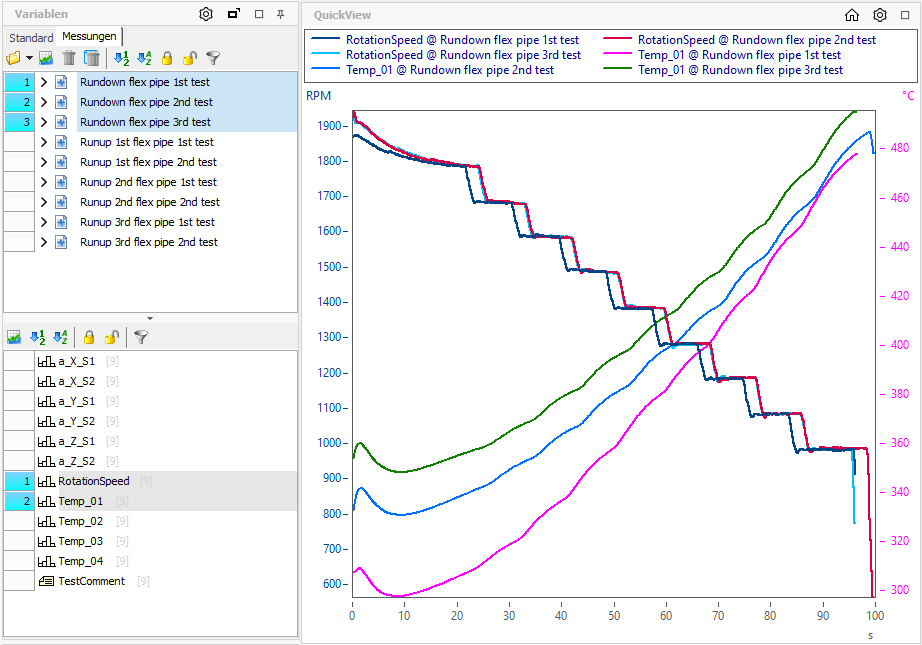
Data displays instantly with units included, and you can zoom and scroll smoothly, even with large datasets. Linked cursors across curves make it easy to spot relationships.
Multiple measurements can be loaded simultaneously for interactively switching through them and overlay comparisons.
Use dual measurement cursors to quickly determine frequency content, slopes, RMS values, and more with just a click.
High-performance, Adaptable, and Proven
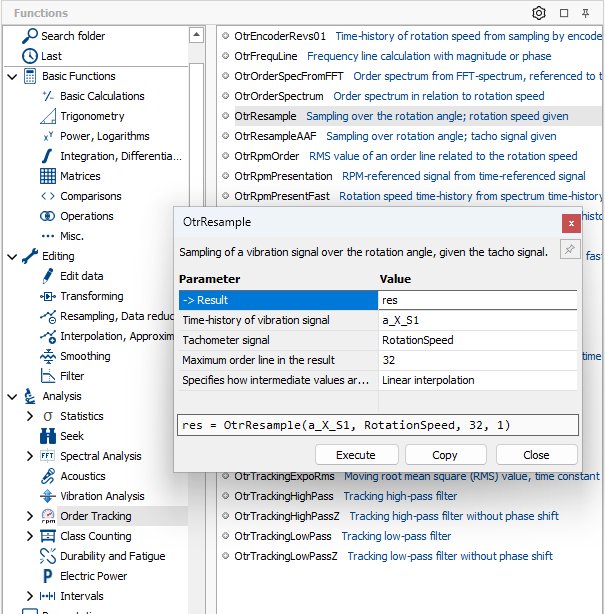
Our library of calculation functions is designed to reduce your workload without limiting you with overly specialized features.
Alongside core mathematics, statistics, and general signal analysis, you’ll find tools for:
- Detecting and processing anomalies, cyclic events, and periodic data segments
- Performing order-tracking analysis on vibrations in rotating machines
- Conducting fatigue & durability calculations
- Performing nonlinear approximations
- and much more
These functions are optimized for fast execution with minimum steps and can be applied across whole groups of channels.
Execute them via drag-and-drop or use the intuitive, but powerful macro language for complex workflows.
High-quality, and Insightful Data Presentation
Even complex measurement results can be presented clearly and meaningfully. Assistants provide options to design all common technical and scientific chart types, such as:
- Heatmaps/colormaps, waterfall plots, 3D graphs, bar charts, GPS plots, contour plots, Bode plots, polar diagrams, wind roses, and scatter plots
- Customizable colors, line thicknesses, overlays, and XY plots
- Logarithmic scales, 1/3 or 1/1 octave scaling, font sizes, tick intervals, and legends
- Markers for values, distances, harmonics, thresholds, step heights, and orders
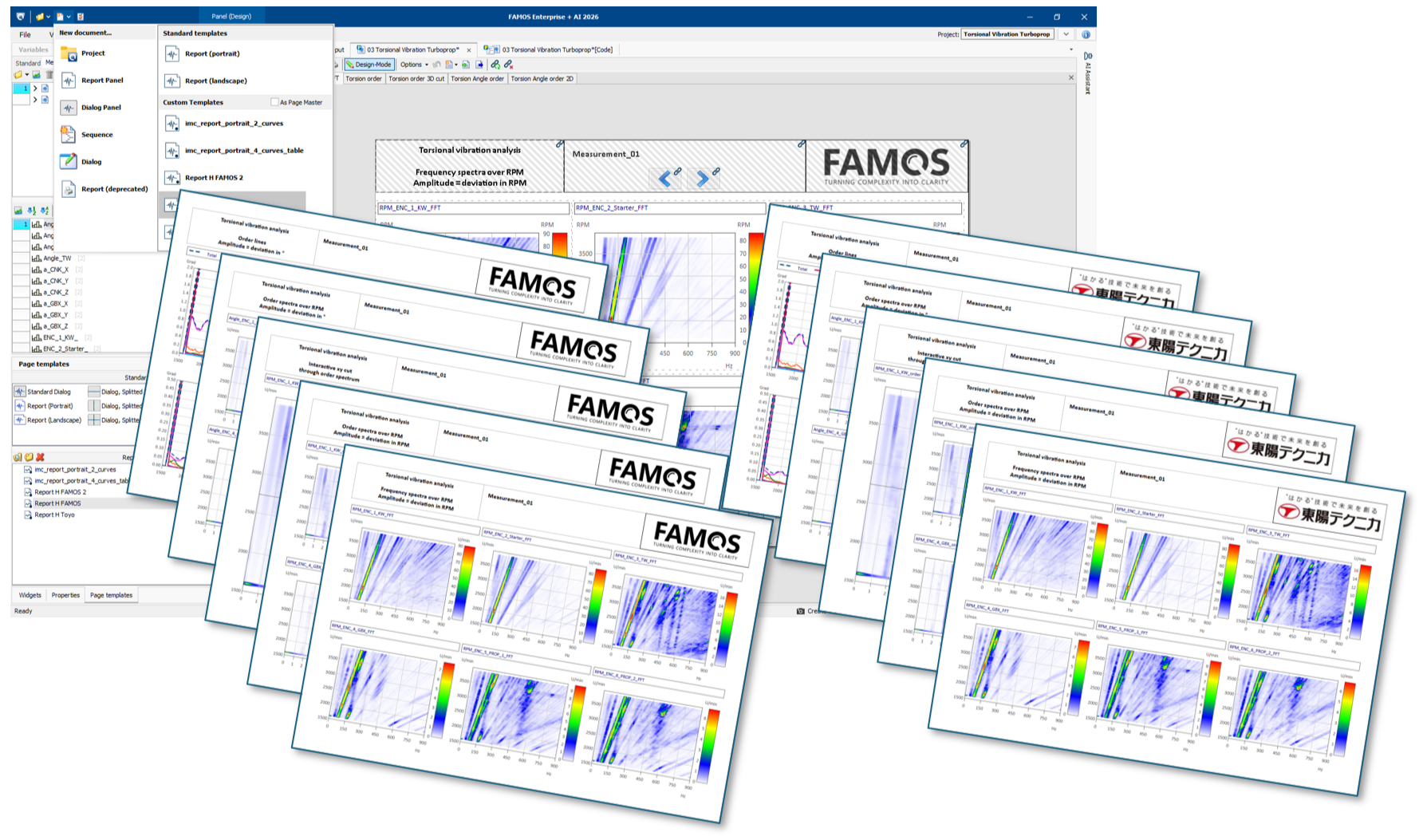
Drag-and-drop capabilities let you create complete reports based on Office documents. Within imc FAMOS, you can combine tables, event lists, text, images, and logos with plots to build reports that even remain interactive.


Effortless One-Button Automation
The macro language in imc FAMOS allows you to perform multi-step calculations and create nearly any workflow, including highly complex fully automated analyses. You can automate the evaluation of thousands of measurements and generate PDFs or PowerPoint files from the results.
For recurring tasks, you can easily design custom user interfaces to interactively process new measurements, enabling you to develop tailored, intelligent tools quickly. Once created, projects can be easily protected from accidental changes and distributed across entire organizations.

FAMOS Knowledge Center on Data Analysis
How can I visualize measurement data? [learn more »]
Measurement data analysis for research & development [learn more »]
Durability Analysis Using FAMOS [learn more »]
Why upgrade to FAMOS 2026 +AI? [learn more »]
FAMOS Downloads & Technical Resources
Are you currently lacking the time to familiarize yourself with a topic or are you short on resources? No problem: We're happy to support you.
Book a no-obligation consultation on the following topics:
- imc FAMOS sequences and feature enhancements
- Algorithms for data analysis
- Data import and export
- Test stand solutions
- Customized software solutions tailored to your needs
You Choose the Type of Collaboration:
- Knowledge transfer
- Outsourcing
- Rent an Expert
